 Isaiminia World Breaking News & Top Stories
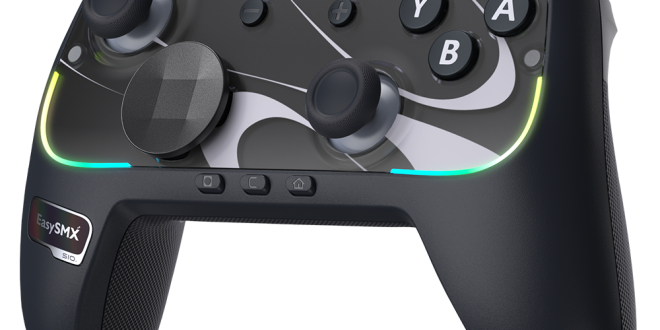
Gaming across multiple platforms has become increasingly common, even among casual players who split their time between a Nintendo Switch, PC, and other consoles. But this flexibility comes with a practical headache: finding a controller that works reliably across all your devices without draining your wallet. Many gamers end up buying separate accessories for each platform, which quickly adds up. A wired switch controller offers an elegant solution to this problem, delivering consistent performance, instant connectivity, and a price point that makes sense for players who game for fun rather than competition. In this guide, you’ll learn what makes wired controllers ideal for multiplatform setups, which features actually matter for your gaming experience, and how to evaluate your options so you end up with a controller that fits both your habits and your budget. Whether you’re navigating open worlds on PC or racing through tracks on Switch, the right wired controller can simplify your entire setup.
What is a Wired Switch Controller and Why It Matters
A wired switch controller is a gamepad designed primarily for the Nintendo Switch that connects through a USB cable rather than Bluetooth. While built with the Switch in mind, many of these controllers also support PC and sometimes other platforms, making them versatile tools for gamers who play across multiple systems. The “wired” distinction matters more than you might think. Unlike wireless controllers, a wired connection eliminates input lag almost entirely, meaning every button press registers instantly on screen. There’s no battery to charge or replace, no signal interference to worry about, and no mid-session disconnects during critical moments.
For casual gamers, the practical advantages extend beyond performance. Wired controllers consistently cost less than their wireless counterparts because they don’t require Bluetooth modules, rechargeable batteries, or pairing technology. You plug them in and they work—no firmware updates, no syncing frustrations. This simplicity makes them especially appealing if you’re looking for a single affordable controller that handles everything from couch gaming on your Switch to desktop sessions on PC. When your goal is reliable, hassle-free gaming without spending premium prices, a wired switch controller delivers exactly what you need without the extras you’re paying for but rarely use.
Essential Features to Look for in a Multiplatform Controller
Not all wired controllers are created equal, and the features built into your gamepad can significantly shape how games feel across different platforms. When shopping for a multiplatform wired switch controller, three areas deserve your closest attention: trigger customization, stick quality, and cross-platform support.
Trigger Lock Technology for Customizable Control
Trigger locks allow you to shorten the travel distance of your shoulder triggers, essentially turning a full analog pull into a quick digital click. This feature proves surprisingly useful across platforms and genres. Playing a fast-paced shooter on PC? Locked triggers give you faster firing response. Switching to a racing game on Switch where you want gradual acceleration? Unlock them for full analog range. Rather than being a competitive-only feature, trigger locks let casual gamers tailor their controller to whatever they’re playing without buying specialized hardware for each genre.
TMR Sticks: Precision and Durability
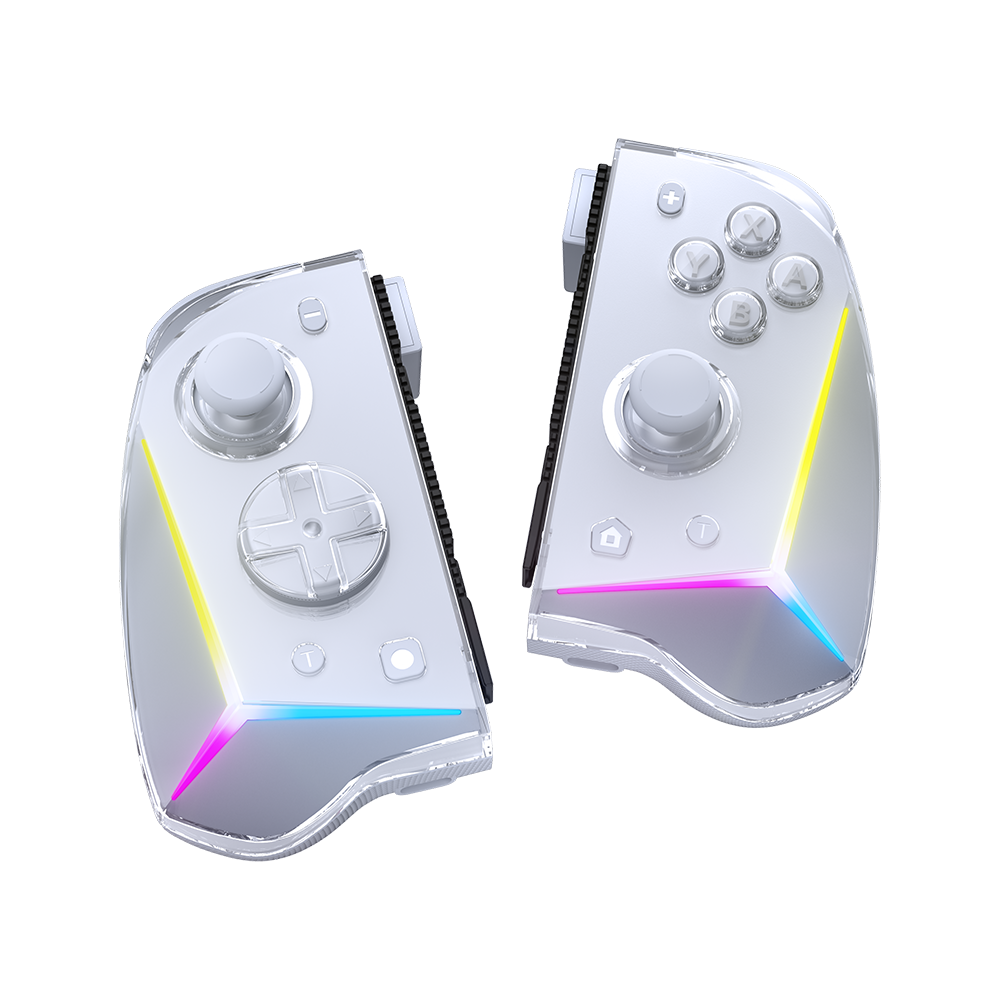
TMR (Tunneling Magnetoresistance) sticks use magnetic sensors instead of traditional potentiometers to detect stick movement. The practical benefit for everyday gamers is twofold. First, they resist stick drift—that annoying problem where your character moves on screen even when you’re not touching anything. Second, they maintain accuracy over thousands of hours of use because there’s no physical contact wearing down internal components. For a casual gamer investing in one controller to use across multiple systems, this longevity means your purchase stays reliable far longer than budget controllers with conventional sticks.
Ensuring Multiplatform Compatibility
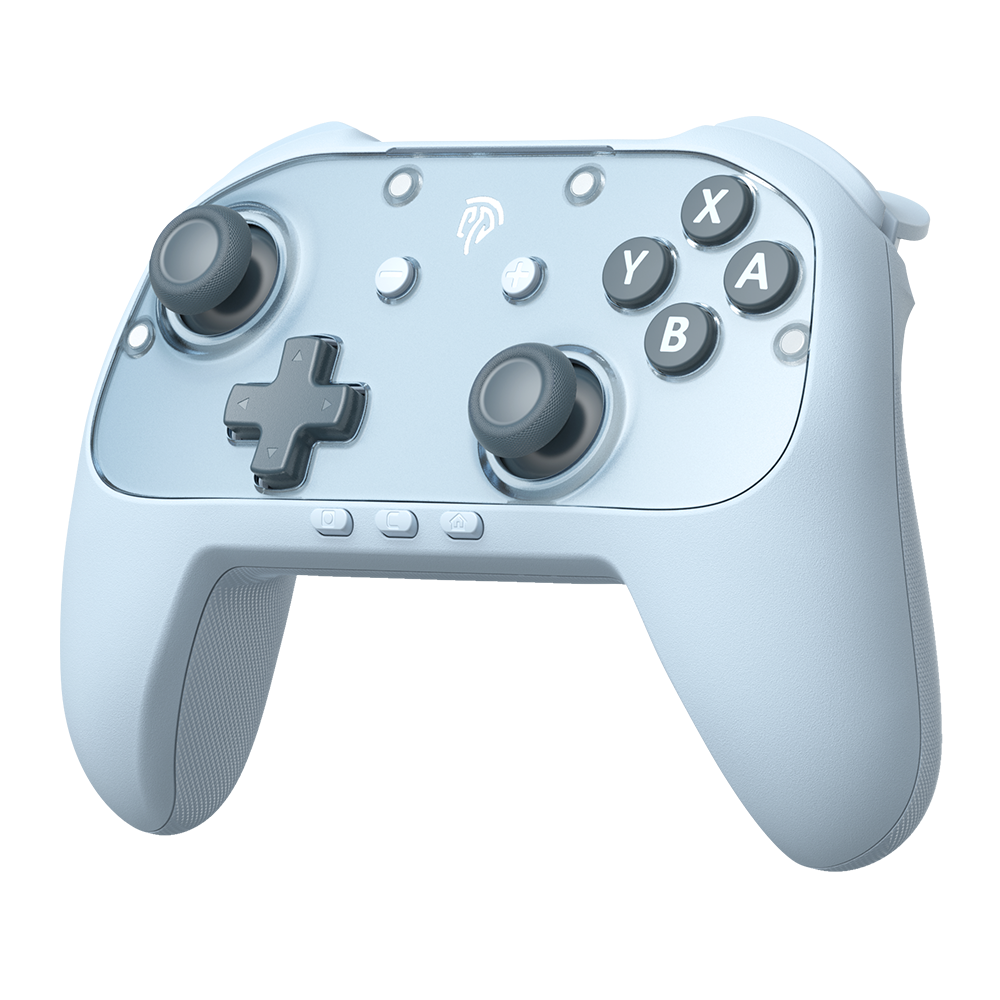
True multiplatform support means more than just working on two systems. Look for controllers that explicitly list compatibility with Switch, PC (via both DirectInput and XInput protocols), and ideally Android or other consoles. The best options use a single USB connection that each platform recognizes natively, requiring no adapters or additional software. Some controllers include a physical switch or button combination to toggle between platform modes, which ensures button mapping and functionality translate correctly whether you’re in a Switch menu or a Steam game.
Spotlight on the EasySMX D10: A Budget-Friendly Option
The EasySMX D10 illustrates what a well-designed wired switch controller can offer without stretching your budget. Built for gamers who want reliable multiplatform performance in a single package, it combines several of the features discussed above into an accessible form factor. The D10 includes trigger lock technology, letting you toggle between full analog range and shortened digital response depending on your game. Its TMR sticks address the stick drift problem that plagues many budget controllers, giving you accurate input that holds up over extended use without degradation.
Where the D10 particularly shines for casual multiplatform gamers is its straightforward compatibility. It connects via USB to both Nintendo Switch and PC, supporting XInput for broad game library recognition on desktop. There’s no adapter required and no complex setup process—plug it in, select your platform mode, and start playing. The ergonomic design borrows familiar contours that feel comfortable during longer sessions without the hand fatigue some third-party controllers cause. For someone who needs one controller that handles Switch gaming in docked mode and PC sessions equally well, the D10 represents the kind of practical, no-nonsense option that delivers daily reliability without the premium cost attached to first-party accessories or feature-heavy wireless alternatives.
How to Choose the Right Controller for Your Needs
Selecting the right wired switch controller starts with honestly assessing how you actually game rather than how you aspire to game. Begin by identifying which platforms you use most frequently. If you split time evenly between Switch and PC, prioritize controllers with native support for both systems and verified XInput compatibility for Steam. If one platform dominates your gaming hours, weight your decision toward controllers optimized for that system while still offering secondary platform support.
Next, consider your genre preferences. Players who gravitate toward shooters and action games benefit significantly from trigger locks and responsive sticks, while those focused on platformers or RPGs might prioritize comfortable ergonomics and reliable d-pads instead. Think about session length too—if you regularly play for two or more hours, a controller’s grip shape and weight distribution matter more than any spec sheet suggests. Pick up a controller that matches your hand size and grip style, whether that’s a compact frame or a fuller design with wider handles.
Budget plays a central role for most casual gamers, and the good news is that capable wired controllers occupy a much lower price bracket than wireless alternatives. You can find solid multiplatform options at roughly one-third to one-half the cost of first-party wireless controllers. However, avoid the cheapest tier entirely—controllers below a certain quality threshold often use low-grade potentiometer sticks prone to drift within months and flimsy triggers that lose their snap. The sweet spot sits in the mid-budget range where manufacturers like EasySMX can include features like TMR sticks and trigger locks without inflating the price.
Finally, verify compatibility claims before purchasing. Check whether the controller requires drivers or works plug-and-play on your systems. Read user feedback specifically from people gaming on the same platforms you use, and confirm that button remapping or platform switching functions as advertised. A few minutes of research here prevents the frustration of returning a controller that technically connects but doesn’t function correctly in your specific games or system configuration.
Step-by-Step Guide to Setting Up for Multiplatform Use
Getting your wired switch controller running across different platforms is straightforward, but following the right sequence saves you from unnecessary troubleshooting. Here’s how to get connected and configured on each system.
For Nintendo Switch, dock your console and plug the controller’s USB cable into one of the dock’s USB ports. Navigate to System Settings, then Controllers and Sensors, and enable “Pro Controller Wired Communication.” The Switch should recognize your controller immediately—you’ll see a confirmation on screen, and you can begin navigating menus right away. If the controller has a platform toggle switch, set it to the Switch position before plugging in.
On PC, connect the USB cable to any available port. Most wired switch controllers with XInput support will be recognized by Windows automatically without additional drivers. Open your game library—Steam, for instance, detects XInput controllers natively and applies appropriate button prompts. If your controller uses DirectInput instead, you may need to enable DirectInput support in Steam’s controller settings, or install a lightweight driver from the manufacturer’s website. Test your connection by opening the Windows Game Controller panel (joy.cpl) to verify all buttons and sticks register correctly.
For Android devices that support USB OTG, use a USB-C adapter to connect your controller directly to your phone or tablet. Most modern Android games with controller support will detect the input without configuration. If your controller offers a platform mode toggle, switch to the appropriate setting for Android recognition.
Common issues typically have simple fixes. If a platform doesn’t detect your controller, try a different USB port—front ports on PCs occasionally lack sufficient power delivery. Ensure no conflicting controller software like DS4Windows is running simultaneously. If button mapping appears incorrect in a specific game, check both the game’s internal controller settings and any platform-level remapping you may have enabled. Keeping one consistent platform mode per session prevents input conflicts that can cause unresponsive buttons or mismatched layouts.
Finding Your Ideal Multiplatform Wired Controller
Choosing the right wired switch controller for multiplatform use doesn’t require deep technical knowledge—it requires knowing what actually impacts your daily gaming experience. Features like trigger locks give you adaptable control across genres, while TMR sticks protect your investment by eliminating drift and maintaining precision over years of use. Models like the EasySMX D10 demonstrate that you don’t need to spend premium prices to get these meaningful upgrades, offering genuine multiplatform support with plug-and-play simplicity that casual gamers appreciate.
The key is balancing your budget against the features that match your specific habits. Identify your primary platforms, consider the genres you play most, and avoid both the cheapest throwaway options and the overpriced wireless controllers packed with features you’ll never touch. A mid-range wired controller with solid compatibility, comfortable ergonomics, and durable components will serve you well across every system in your setup. Take the time to verify compatibility with your exact platforms, then commit to a controller that simplifies your gaming life rather than complicating it. Your next session—whether on Switch, PC, or both—deserves a controller that just works.
